

Ormi home
OrmiOrmi
Where Field Service Runs
OrmiOrmi
  • Platform

    • Download Ormi Field
      iPhone, Android, desktop
    • Features
      Everything on one plan
    • Work Network
      Jobs near you, no lead fees
    • Post a Job
      Free homeowner requests
    • Services
      What Ormi does, top to bottom
    • Integrations
      14+ tools, no upcharge
    • ChatGPT and Claude
      Ask about your jobs, read-only

    Insights

    • Analytics
      Real-time revenue + AR + mix
    • Use Cases
      Who uses Ormi, how

    Experience

    • Why Choose Us
    • Our Process
    • Demo
      See it in 3 minutes

    See it live

    3-minute product tour

    Dashboard, scheduling, mobile app — everything you need to run a shop in one walkthrough.

    Or start free — 15 days on us
  • By Trade

    • HVAC
    • Plumbing
    • Electrical
    • Remodeling
    • Appliance Repair

    • Roofing
    • Lawn Care
    • Pool Service
    • Pest Control
    • Handyman
    • All trades

    Custom fit

    Built for your trade

    Each trade page shows how Ormi fits that specific workflow — forms, pricebooks, and rhythm.

    Or start free — 15 days on us
  • Pricing & Savings

    • Pricing$25 per field tech, office free
    • Savings CalculatorRun the math in 30s
    • Migrate to OrmiFrom any platform

    vs Competitors

    • vs ServiceTitan
    • vs Housecall Pro
    • vs Jobber
    • vs FieldPulse
    • vs FieldRoutes
    • vs Buildertrend
    • All comparisons

    Pick your path

    • Start free — 15 days on usNo credit card
    • Book a 3-min demoSee the product fast
    • Talk to a humanReplies in 24h

    The Promise

    $25 / field technician

    Office staff are free. Your first 15 days are on us, with unlimited jobs.

    Or start free
  • Content

    • Blog

    Learn

    • TutorialsStep-by-step guides
    • Glossary
    • ChangelogWhat shipped, what's next
    • All ResourcesFull content hub

    Help

    • Help CenterArticles + keyboard shortcuts
    • FAQ
    • SupportStuck on the product

    Latest

    Reading list

    Switching from ServiceTitan

    Our migration guide walks through every step — export, import, and live in under an hour.

    Or browse the blog
  • Company

    • About OrmiWho we are + what we're building
    • Our ManifestoWhat we believe
    • CareersWe're hiring
    • Contact usSales, pricing, migration

    Careers

    Help build the next 10 years of field service software

    Small team, opinionated, remote-friendly. If shipping matters more than titles to you, we want to talk.

    See open roles

    Or read our manifesto
Sign inPost a JobGet started15 days on us
DownloadSign inGet started
  1. Blog
  2. ›
  3. Dispatch
Dispatch

Emergency Dispatch Best Practices for Field Service Teams

Build an on-call dispatch plan: name a primary and backup by trade, hold a slot pending acceptance, confirm access, and assign the next customer update.

Jordan Avery's avatar

Jordan Avery

Apr 1, 2026· 4 min read
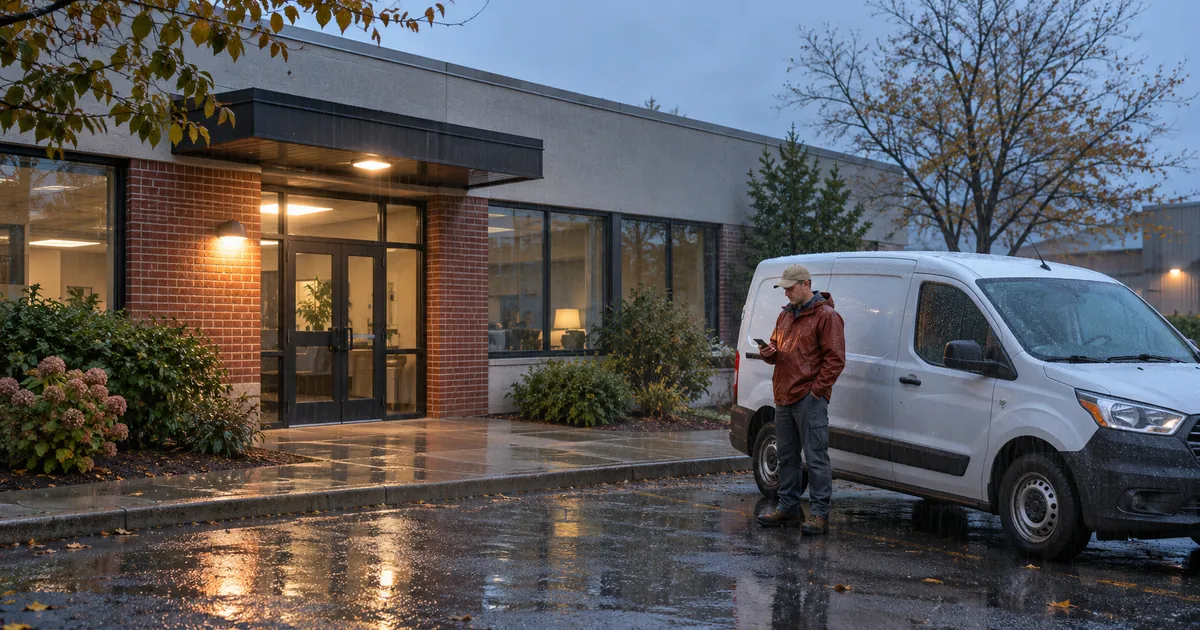
A technician checking a service call beside a parked van on a rainy evening.
On this page
  1. Name a primary and backup for each trade
  2. Hold the slot while you confirm the job
  3. Example: A no-heat call
  4. Hand off accepted and deferred calls separately

On this page

  1. Name a primary and backup for each trade
  2. Hold the slot while you confirm the job
  3. Example: A no-heat call
  4. Hand off accepted and deferred calls separately

When an urgent call comes in, the dispatcher needs to know who can take it, whether the customer can let them in, and who will call if the plan changes. Put those decisions in writing before the shift starts, so the person answering the phone does not have to start from scratch.

Name a primary and backup for each trade

For each shift, list one primary and one backup for HVAC, plumbing, or any other trade you cover. Record the hours and area each person covers, how to reach them, and how long dispatch should wait for an answer before calling the backup. Pick someone with the right skills and equipment, not just whoever is closest.

Decide who can move a booked visit to make room. If you have to move one, give that customer a new window or a time when they will hear back. Do not leave them to find out when nobody arrives.

Hold the slot while you confirm the job

  1. Take the call. Confirm the service address, callback number, what stopped working, who can let the technician in, and any access restrictions. Keep entry codes out of shared handoff notes; verify access privately with the authorized contact.
  2. Hold a workable window. Mark it as pending on your board or on-call list. Ask the primary technician to confirm they can take the job and make the window. If they decline or miss your cutoff, call the backup and revise the hold if needed.
  3. Confirm the window and the next update. Once a technician accepts, give the customer an arrival window your team can commit to, rather than an exact arrival time. Before acceptance, promise only a callback. Record who owns the next update and when it is due. If the window slips, call before it expires with a revised window or a new callback time.

Example: A no-heat call

This is a hypothetical HVAC dispatch. Maya is the primary technician; Luis is the backup. Dispatch holds 2–4 p.m. while Maya checks whether she can take the call. Jordan owns the customer callback by 12:30 p.m., even if the assignment is still pending. Jordan verifies who can meet the technician at the property and confirms access privately; no entry code goes in the handoff.

If Maya accepts, Jordan confirms the 2–4 p.m. window. If Maya cannot take it, dispatch calls Luis and checks his availability before confirming a window. If neither technician can commit by 12:30, Jordan still calls at 12:30 and tells the customer when they will hear back.

Hand off accepted and deferred calls separately

Before the shift ends, have the incoming dispatcher acknowledge both lists:

  • Accepted: Technician, customer window, contact and access confirmation, and the owner and time of the next update.
  • Deferred: Why it is still open, who will try next, and the callback time already given to the customer. Mark any tentative slot clearly so it is not mistaken for a booking.

If no one can let the technician in, use the missed-visit checklist to set a decision time and give the customer a clear next step.

Before a holiday, check what customers hear on your phone, what your website shows, and what Google Search and Maps list; set Special hours separately.

If you use Ormi, the dispatcher guide shows how to book, assign, reschedule, or reassign a job on the Dispatch Board.

Share this guide

  • Facebook
  • LinkedIn
  • Email
Mila Bravey, Ormi’s product presenter

Mila Bravey

Ormi’s product presenter

Practical product explanations for office and field teams.

Browse all field service guides
Take a look at Ormi

Try Ormi free for 15 days

See whether Ormi fits the way your shop works.

Start your 15-day trial
OrmiOrmi

Field service management software for HVAC, plumbing, electrical, remodeling, and every trade in between.

  • (972) 944-0404
  • hello@ormi.com
Start free — 15 days on us
Facebook
Ormi on YouTube (opens in a new tab)
Ormi on Instagram (opens in a new tab)
LinkedIn

Product

  • Features
  • Work Network
  • Post a Job
  • Pricing
  • Integrations
  • ChatGPT and Claude
  • Download
  • Changelog

Compare

  • Savings Calculator
  • vs ServiceTitan
  • vs Housecall Pro
  • vs Jobber
  • All comparisons

By Trade

  • HVAC
  • Plumbing
  • Electrical
  • Remodeling
  • All trades

Resources

  • All resources
  • Blog
  • Tutorials
  • Help Center

Company

  • About
  • Careers
  • Contact
  • Press

© 2026 Ormi FSM LLC. All rights reserved.

  • Terms
  • Privacy
  • GDPR
  • Security